🇬🇧
Connected NFC pet tag
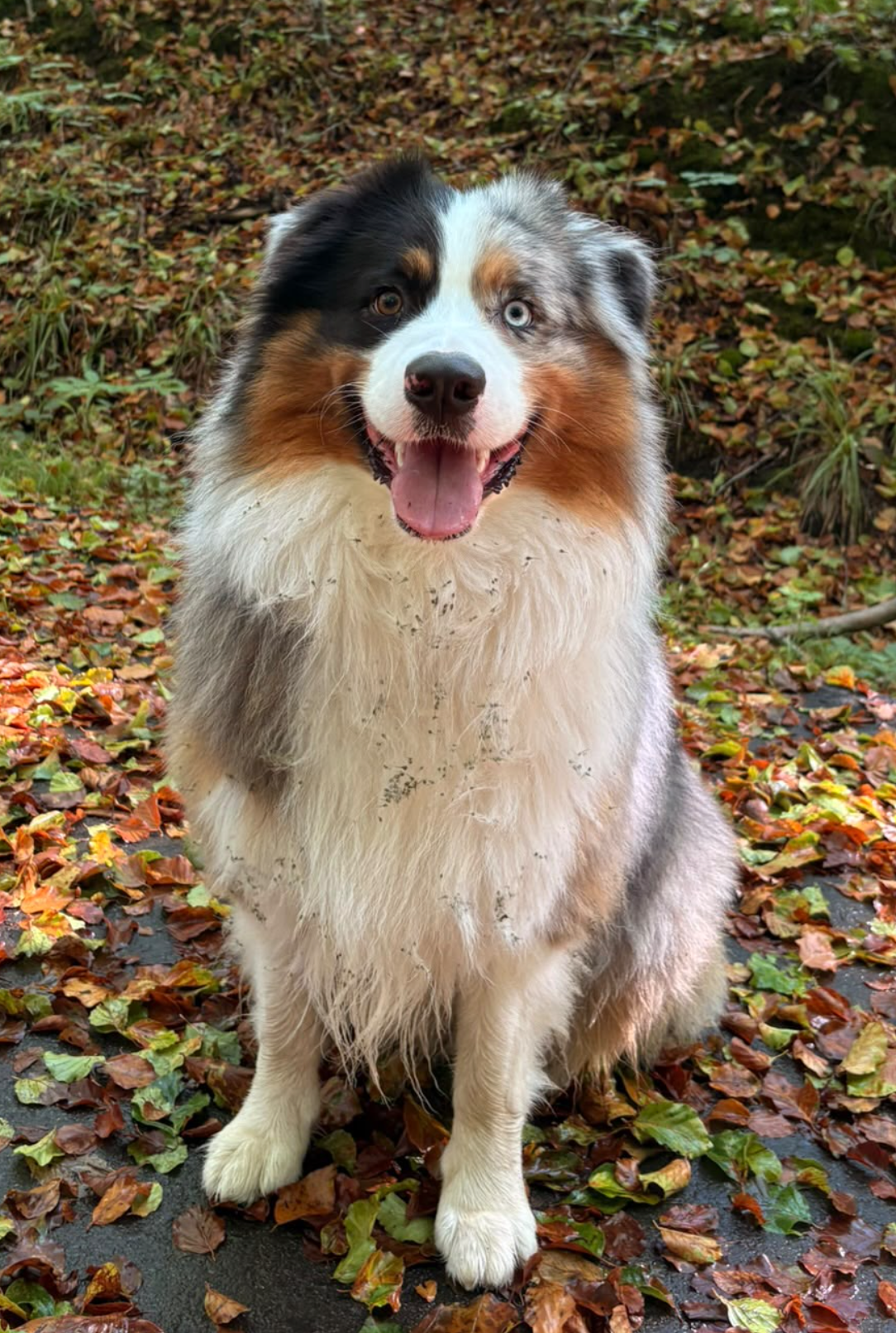
Wood 🐾
Hi! You’ve just tested my connected pet tag. If I were lost, you could help my human find me in just a few seconds.
About me
I’m very friendly ❤️
My profile contains useful information to help take care of me.
📞 Call my human
💬 Send a WhatsApp
I’m very friendly ❤️
My profile contains useful information to help take care of me.
🐾 Information about Wood
SpeciesDog
BreedGolden Retriever
Age3½ years
SexFemale
ColourGolden white
AllergiesNone known
MedicationNone
Emergency contact0479 76 07 68
🐾 You are testing Connect Pets
Save this demo so you can view it again after your visit to the shop.
💬 I want one for my pet🐾 My Connect Pets Space
This is what Wood’s owner could manage directly from their phone, with no app to download.
🚨 WOOD IS MISSING
If you find Wood, please contact the owner immediately.
If you find Wood, please contact the owner immediately.
On the future platform, the owner will be able to update these details. The NFC tag keeps the same link, so there is no need to reprogram it.
Demo example: primary owner and emergency contact. These contacts could be updated from the personal Connect Pets space.
📱 Keep Connect Pets on my phone
No app to download.
🍎 On iPhone
1. Open this page in Safari.
2. Tap the Share ⬆️ button.
3. Scroll through the menu and choose “Add to Home Screen”.
4. Tap “Add”.
✅ The Connect Pets icon will appear on your Home Screen, just like an app.
1. Open this page in Safari.
2. Tap the Share ⬆️ button.
3. Scroll through the menu and choose “Add to Home Screen”.
4. Tap “Add”.
✅ The Connect Pets icon will appear on your Home Screen, just like an app.
🤖 On Android
1. Open this page in your browser.
2. Tap the ⋮ menu.
3. Choose “Add to Home screen” or “Install”.
✅ Connect Pets will then be directly accessible from your Home Screen.
1. Open this page in your browser.
2. Tap the ⋮ menu.
3. Choose “Add to Home screen” or “Install”.
✅ Connect Pets will then be directly accessible from your Home Screen.
DEMONSTRATION • AN Studio Connect Pets
Tap. Open. Reunite.